

“grecaptcha is not defined” is a JavaScript error that occurs when the variable “grecaptcha” is not recognized by the JavaScript engine.
This error can occur for several reasons:
- The reCAPTCHA library may not have been loaded properly. Make sure that you have included the reCAPTCHA script in your HTML code and that it is being loaded correctly.
- The variable name may be misspelled. Double-check the spelling of “grecaptcha” in your code to make sure it matches the actual name of the variable.
- The reCAPTCHA API may have changed. Check to make sure that you are using the latest version of the reCAPTCHA library and that any API changes have been accounted for in your code.
- The code may be executing before the reCAPTCHA library has finished loading. Make sure that any code that relies on the “grecaptcha” variable is executed only after the reCAPTCHA library has finished loading.
To fix the error “grecaptcha is not defined”, you may need to debug your code and identify the specific cause of the issue.
What is reCAPTCHA?
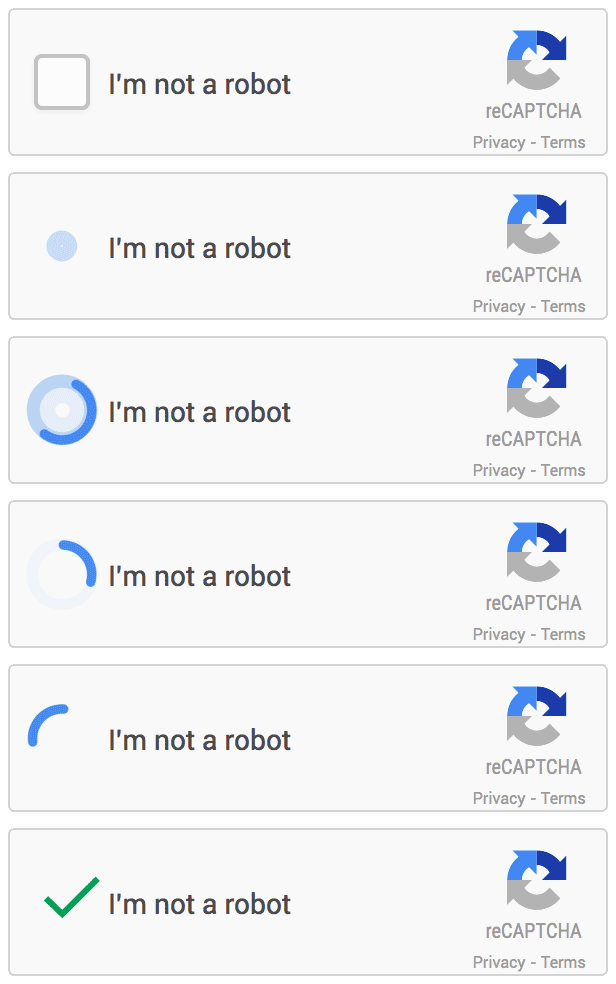
Easy to add, advanced security
reCAPTCHA is a free service that protects your site from spam and abuse. It uses advanced risk analysis techniques to tell humans and bots apart.
Introducing reCAPTCHA v3
reCAPTCHA v3 helps you detect abusive traffic on your website without user interaction. Instead of showing a CAPTCHA challenge, reCAPTCHA v3 returns a score so you can choose the most appropriate action for your website.
Learn by watching video: